import matplotlib.pyplot as plt
from matplotlib_venn import venn2, venn3Venn Diagram (Python)
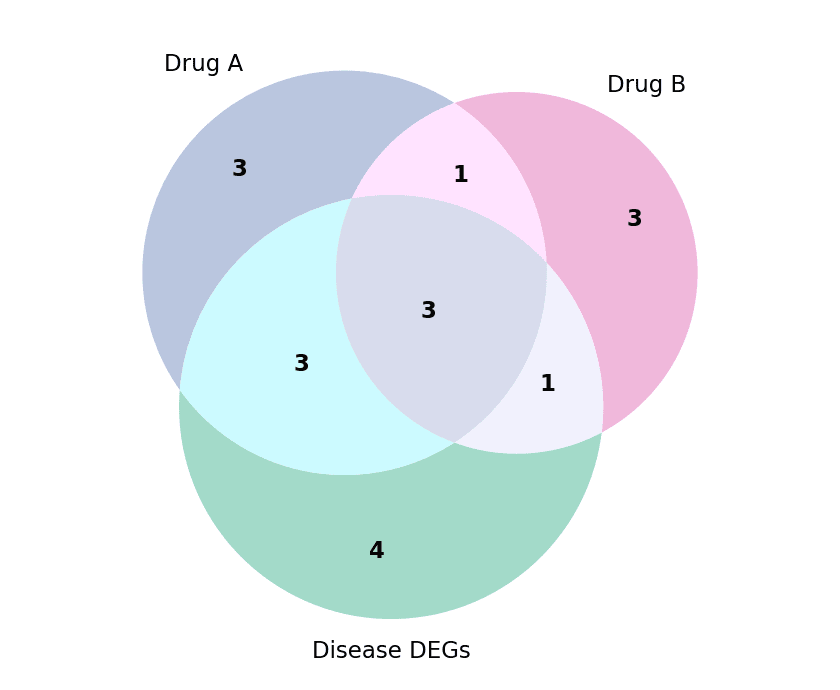
A Venn diagram shows the overlap between two or three sets as mutually intersecting disks, with each region labelled by its membership count. In biomedical research it is the default display for target-gene overlaps, pathway memberships, and cohort intersections. The matplotlib-venn package computes the region areas from set sizes and draws them on matplotlib axes. Beyond three sets, switch to an UpSet plot.
Example
Setup
- System Requirements: Cross-platform (Linux/MacOS/Windows)
- Programming Language: Python
- Dependencies:
matplotlib,matplotlib-venn
Data Preparation
We compare three gene lists: targets of drug A, targets of drug B, and differentially expressed genes in the disease cohort.
drug_a = {'EGFR', 'ERBB2', 'MET', 'ALK', 'ROS1', 'RET', 'NTRK1', 'BRAF', 'PIK3CA', 'MTOR'}
drug_b = {'ERBB2', 'EGFR', 'RET', 'KRAS', 'NRAS', 'MAP2K1', 'BRAF', 'PTEN'}
disease = {'EGFR', 'KRAS', 'TP53', 'BRAF', 'PIK3CA', 'APC', 'BRCA1', 'ERBB2', 'MET', 'ALK', 'RB1'}
Visualization
Two-Set Venn Diagram
venn2 takes either the sets themselves or the tuple (ab, a, b) of overlap and exclusive counts; subset label styling keeps the numbers readable.
fig, ax = plt.subplots(figsize=(5, 4.2))
v = venn2([drug_a, drug_b], set_labels=('Drug A targets', 'Drug B targets'),
          set_colors=('#8da0cb', '#e78ac3'), alpha=0.65, ax=ax)
for pid in ('10', '01', '11'):
    if v.get_patch_by_id(pid):
        v.get_patch_by_id(pid).set_edgecolor('white')
        v.get_patch_by_id(pid).set_linewidth(1.5)
    lbl = v.get_label_by_id(pid)
    if lbl:
        lbl.set_fontsize(12)
        lbl.set_fontweight('bold')
ax.set_title(f'|A| = {len(drug_a)}   |B| = {len(drug_b)}', fontsize=10, color='0.35')
plt.tight_layout()
plt.show()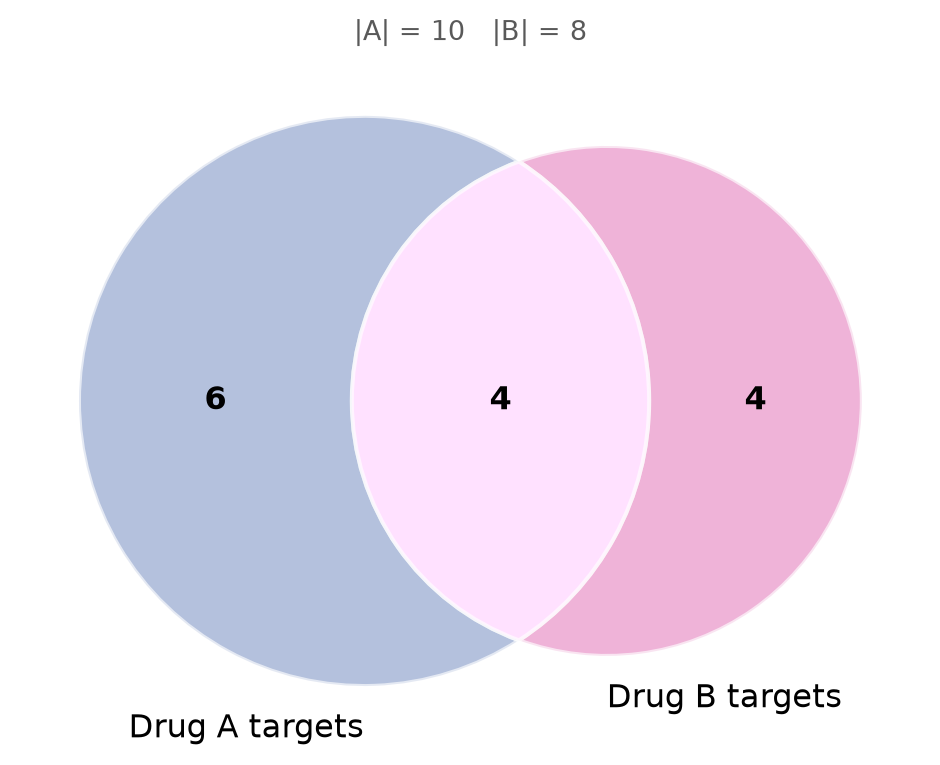
Three-Set Venn Diagram
venn3 adds the third disk and all seven region labels; colouring each set once and letting alpha blend the overlaps keeps the picture legible.
fig, ax = plt.subplots(figsize=(5.6, 4.6))
v = venn3([drug_a, drug_b, disease],
          set_labels=('Drug A', 'Drug B', 'Disease DEGs'),
          set_colors=('#8da0cb', '#e78ac3', '#66c2a5'), alpha=0.6, ax=ax)
for pid in ('100', '010', '001', '110', '101', '011', '111'):
    lbl = v.get_label_by_id(pid)
    if lbl:
        lbl.set_fontsize(11)
        lbl.set_fontweight('bold')
for t in v.set_labels:
    if t:
        t.set_fontsize(11)
plt.tight_layout()
plt.show()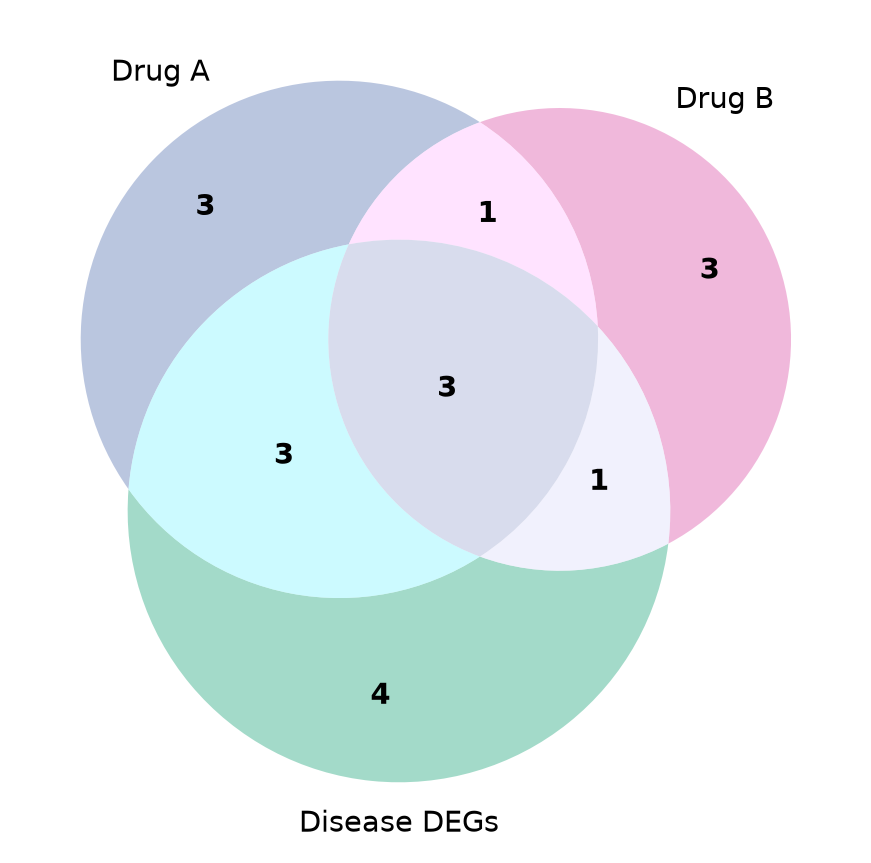
References
- Konstantin Kudryavtsev. matplotlib-venn: Venn diagram plotting functions for matplotlib. https://github.com/konstantint/matplotlib-venn
- Hunter, J. D. (2007). Matplotlib: A 2D graphics environment. Computing in Science & Engineering, 9(3), 90-95.