import matplotlib.pyplot as plt
import pandas as pd
import numpy as np
from scipy.stats import gaussian_kdeRidgeline Plot (Python)
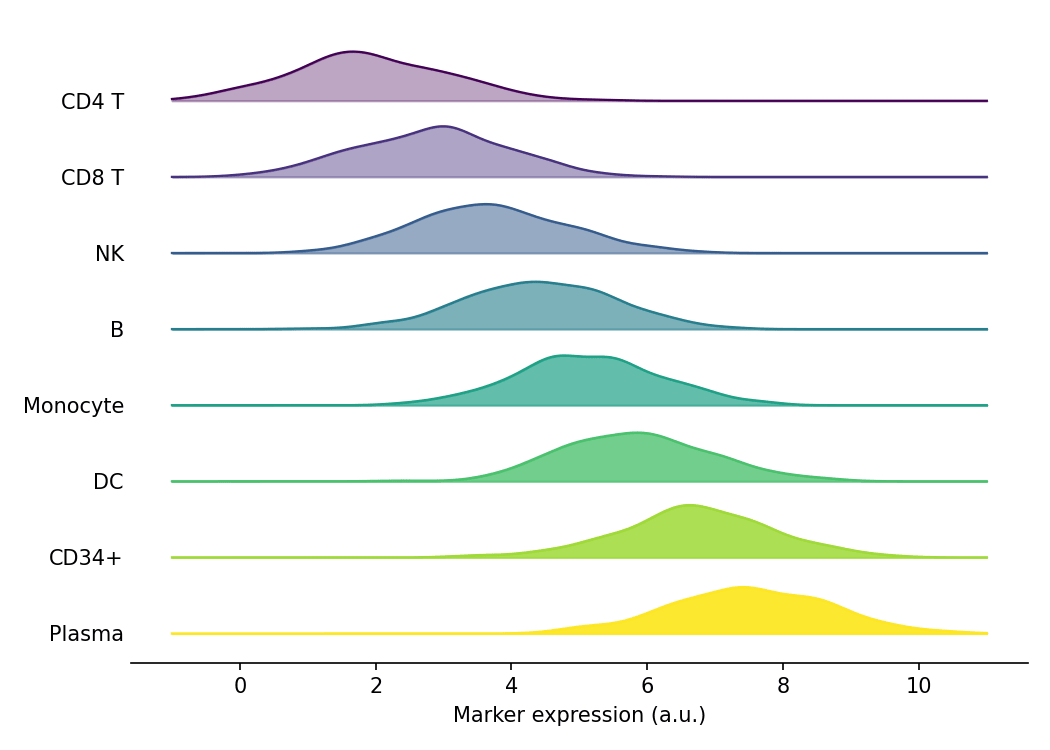
A ridgeline plot (joyplot) stacks one density curve per category along a shared x-axis, exposing how a distribution shifts across many groups at a glance. In biomedical research it is a favorite for comparing marker-expression distributions across cell clusters, or any many-group distribution comparison that would overwhelm a grid of faceted histograms. In Python it composes cleanly from per-group kernel density estimates (scipy.stats.gaussian_kde) layered on shared matplotlib axes.
Example
Setup
- System Requirements: Cross-platform (Linux/MacOS/Windows)
- Programming Language: Python
- Dependencies:
matplotlib,pandas,numpy,scipy
Data Preparation
We simulate the expression of a surface marker across eight PBMC cell clusters, with cluster-specific means that produce a visible gradient along the stacking order.
np.random.seed(31)

clusters = ['CD4 T', 'CD8 T', 'NK', 'B', 'Monocyte', 'DC', 'CD34+', 'Plasma']
n_per_cluster = 400
base_means = np.linspace(2.0, 7.5, len(clusters))

records = []
for cluster, mu in zip(clusters, base_means):
    records.append(pd.DataFrame({
        'Cluster': cluster,
        'Marker': np.random.normal(mu, 1.1, n_per_cluster)
    }))
marker = pd.concat(records, ignore_index=True)

# Shared evaluation grid and ridge spacing
xs = np.linspace(-1, 11, 300)
offset = 0.55
Visualization
Basic Ridgeline Plot
Each cluster contributes one kernel density estimate; ridges are drawn bottom-up so the upper curves partially cover the ones beneath them.
n = len(clusters)
fig, ax = plt.subplots(figsize=(7, 5))
for i in reversed(range(n)):                    # bottom first, top last
    d = marker.loc[marker['Cluster'] == clusters[i], 'Marker']
    ys = gaussian_kde(d)(xs)
    base = offset * (n - 1 - i)
    ax.plot(xs, base + ys, color='0.3', linewidth=1.1)
    ax.fill_between(xs, base, base + ys, color='#8da0cb', alpha=0.9)
ax.set_yticks([offset * (n - 1 - i) for i in range(n)], labels=clusters)
ax.set_xlabel('Marker expression (a.u.)')
ax.spines[['top', 'right', 'left']].set_visible(False)
ax.tick_params(axis='y', length=0)
plt.tight_layout()
plt.show()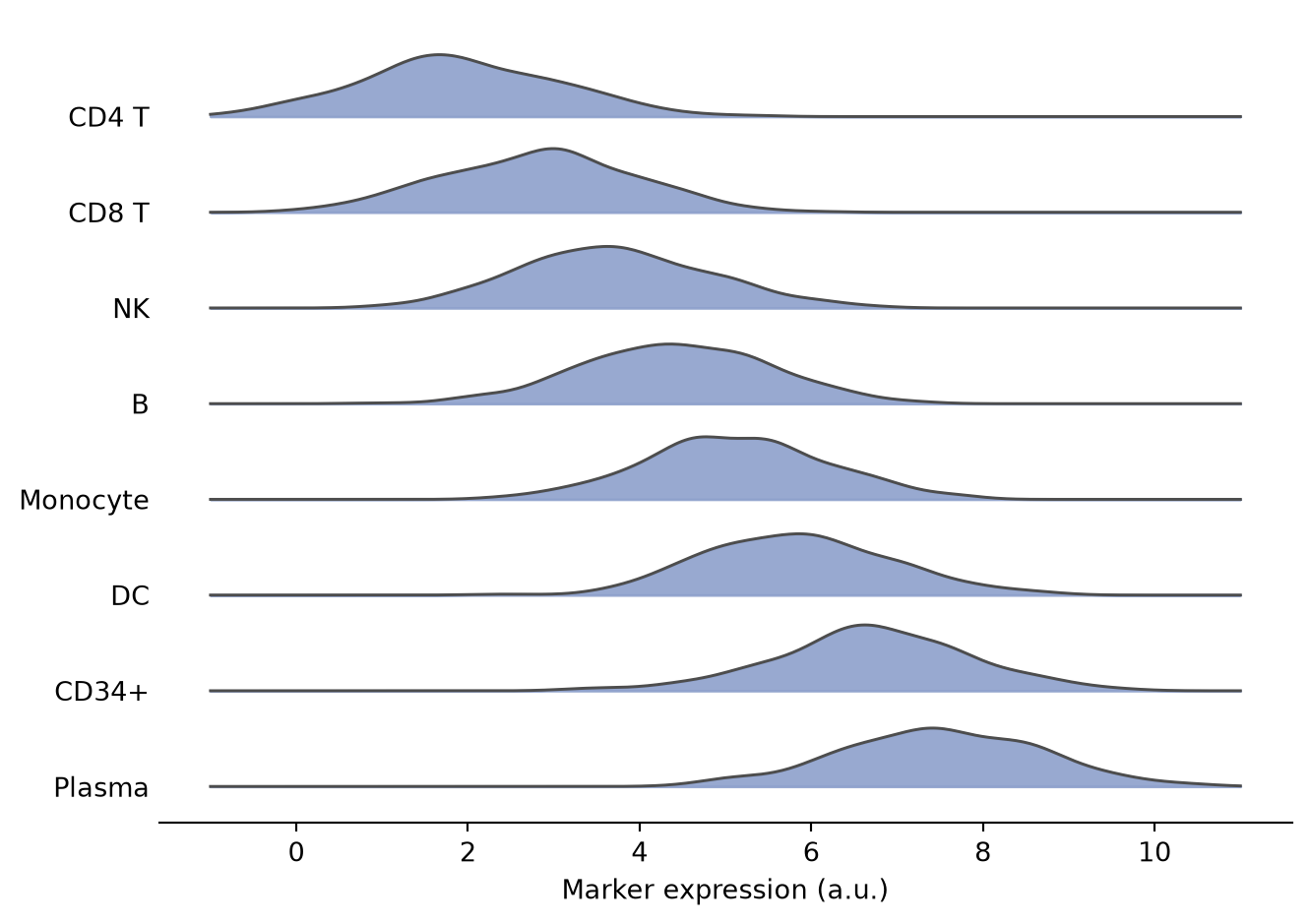
Fading Ridge with Colormap
Encoding the stacking order with a colormap and fading the fill toward the back helps when many groups make labels hard to trace.
n = len(clusters)
fig, ax = plt.subplots(figsize=(7, 5))
for i in reversed(range(n)):
    d = marker.loc[marker['Cluster'] == clusters[i], 'Marker']
    ys = gaussian_kde(d)(xs)
    base = offset * (n - 1 - i)
    shade = plt.cm.viridis(i / (n - 1))
    ax.plot(xs, base + ys, color=shade, linewidth=1.1)
    ax.fill_between(xs, base, base + ys, color=shade,
                    alpha=0.35 + 0.6 * i / (n - 1))
ax.set_yticks([offset * (n - 1 - i) for i in range(n)], labels=clusters)
ax.set_xlabel('Marker expression (a.u.)')
ax.spines[['top', 'right', 'left']].set_visible(False)
ax.tick_params(axis='y', length=0)
plt.tight_layout()
plt.show()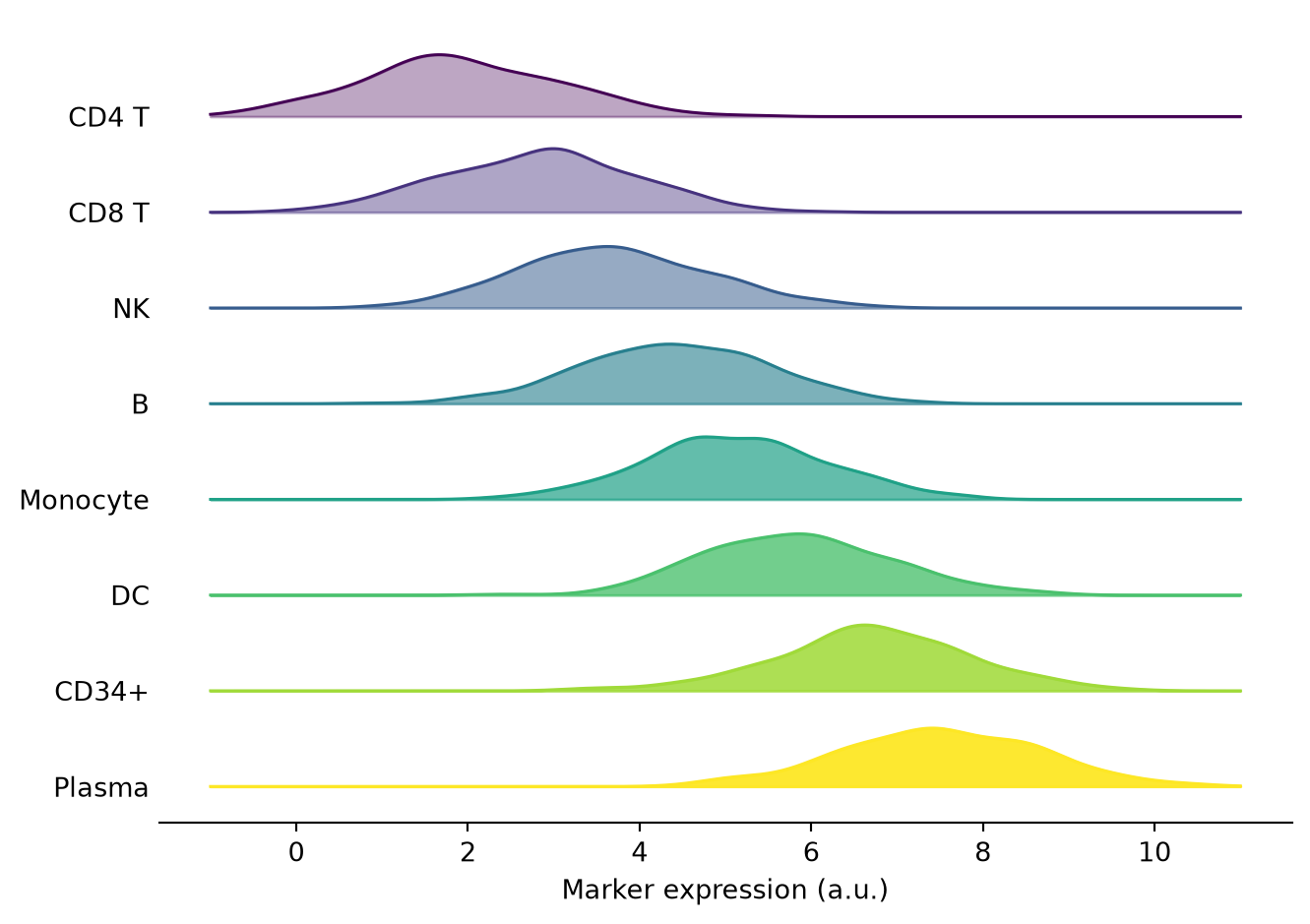
Ridgeline from Histograms
Replacing the KDE with per-group histograms keeps the discrete sampling visible in smaller cohorts.
n = len(clusters)
bins = np.linspace(-1, 11, 25)
fig, ax = plt.subplots(figsize=(7, 5))
for i in reversed(range(n)):
    d = marker.loc[marker['Cluster'] == clusters[i], 'Marker']
    counts, edges = np.histogram(d, bins=bins)
    base = offset * (n - 1 - i)
    ax.bar(edges[:-1], counts, width=np.diff(edges), bottom=base,
           align='edge', color='#66c2a5', edgecolor='0.2', linewidth=0.6)
ax.set_yticks([offset * (n - 1 - i) for i in range(n)], labels=clusters)
ax.set_xlabel('Marker expression (a.u.)')
ax.set_ylabel('Count (offset per cluster)')
ax.spines[['top', 'right', 'left']].set_visible(False)
ax.tick_params(axis='y', length=0)
plt.tight_layout()
plt.show()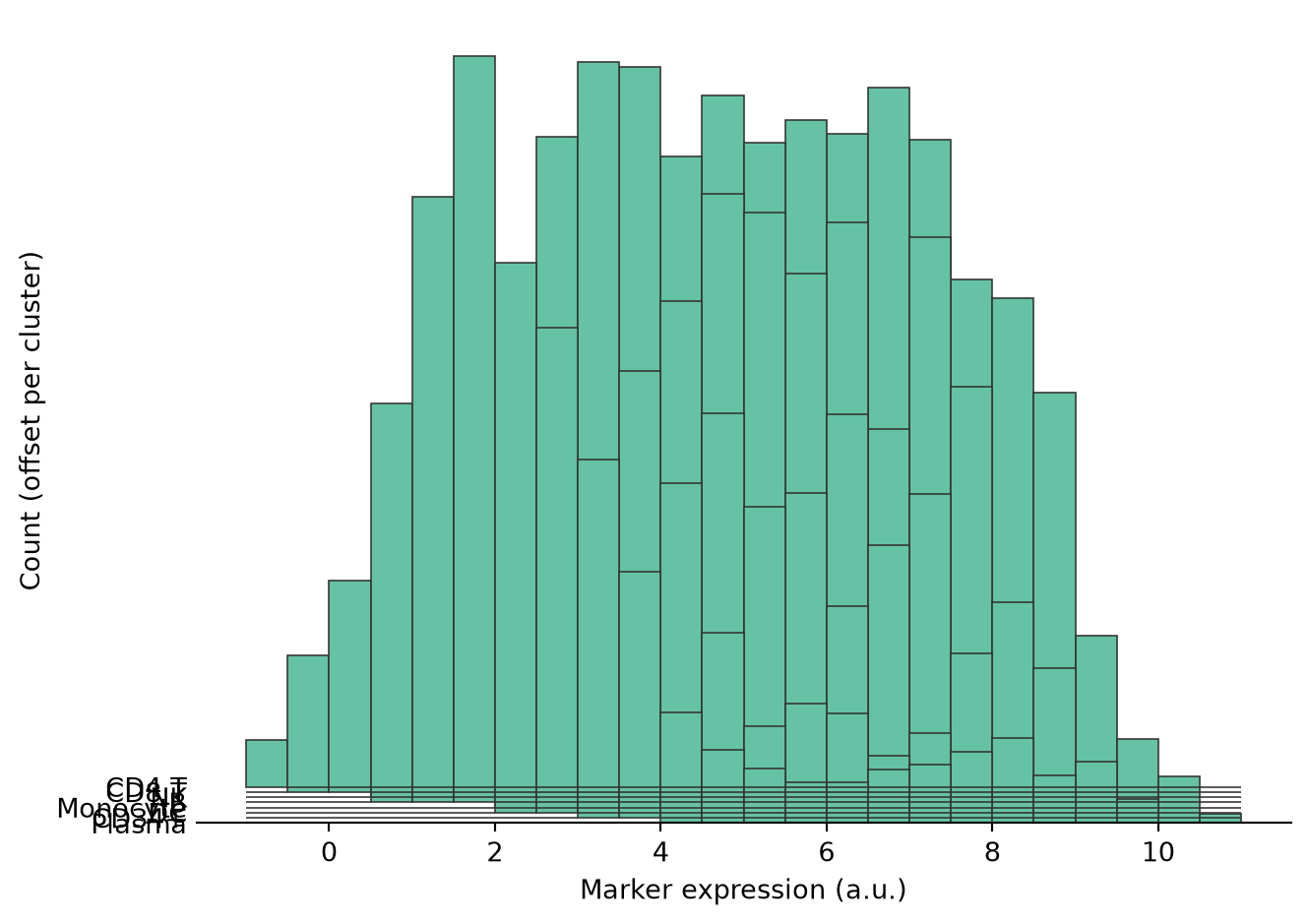
References
- Hunter, J. D. (2007). Matplotlib: A 2D graphics environment. Computing in Science & Engineering, 9(3), 90-95.
- Virtanen, P., et al. (2020). SciPy 1.0: fundamental algorithms for scientific computing in Python. Nature Methods, 17(3), 261-272.
- From Data to Viz. Ridgeline. https://www.data-to-viz.com/graph/ridgeline.html